GUIDE · LAMPFORGESlicer settings for a 3D-printed lamp shade and base
The key tip: turn on spiral vase mode when you print the shade, and turn it off when you print the base. Both parts come out of KUZE Lampforge the right way up and print without supports. On a 0.4 mm nozzle, start from your slicer's standard PLA or PETG profile with 0.2 mm layers. The shade prints as one seamless line that glows evenly; the base prints normally, with 3 to 4 walls and 15% infill, so its LED pocket and cable channel come out whole.
Before you download
- Size. Lampforge checks each part against a 180 mm build volume (Bambu Lab A1 mini) and a 256 mm one (Bambu Lab A1) and estimates the filament for each part. Shades go from 100 to 260 mm tall and up to 240 mm across.
- Wall (under Size) starts at 1.2 mm. In vase mode the slicer prints the shade a single line wide whatever this says, so the glow comes from your slicer's line width, not from this number.
- Cover the top closes the top of the shade with a flat lid. Lampforge then exports the shade upside down, lid on the plate; a narrow top has a small footprint, so add a brim if it needs one.
- Fit tolerances. Shade joint clearance (0.3 mm a side to start) sets how the bottom 5 mm of the shade sits in the groove on the base; LED clearance (per side) sets the pocket round the LED. Measure your LED kit and test-print the joint before a long print.
A changed lamp is saved to My designs with a free KUZE account before it downloads; the 15 built-in shapes download as they are, with no account.
Load it into the slicer
The download is a ZIP with shade.stl, base.stl, a design.json and a README, or either part on its own. The STLs are in millimetres, Z-up, and each part is already turned the way it prints: a covered shade and the Tripod base come upside down on purpose. Do not rotate them.
Print the shade and the base as two jobs, or on two plates. Most slicers apply vase mode to everything on the plate, and some allow only one object in vase mode.
The shade: spiral vase mode on
- Spiral vase mode
- On. Bambu Studio and OrcaSlicer: Spiral vase, under Others. PrusaSlicer: Spiral vase, under Layers and perimeters. Cura: Spiralize Outer Contour, under Special Modes. The slicer then sets one wall, no infill and no top layers for you.
- Layer height
- 0.2 mm, or 0.12 to 0.16 mm for a shade with a fine texture.
- Line width
- The slicer's default for the outer wall works. A slightly wider line gives a stiffer shade; a narrower one glows a little brighter.
- Supports
- Off.
- Brim
- Only for a tall shade on a small footprint, or a covered shade with a narrow top.
- Filament
- White or natural PLA or PETG. Lighter colours let more light through, and the light takes on the shade's colour.
The base: spiral vase mode off
- Spiral vase mode
- Off. The base has an LED pocket, a ledge the LED rests on and a cable channel, which need normal slicing.
- Layer height
- 0.2 mm.
- Walls and infill
- 3 to 4 walls and 15% infill. The base is a hollow shell, 2 mm thick to start (Shell thickness, under Base); a thicker shell is heavier and steadier.
- Supports
- Off. The base is open underneath, and its inner roof is no steeper than 45°. The Tripod base is exported ring-down, with its legs growing outward, so it prints without supports too.
- Filament
- Any colour: no light passes through the base.
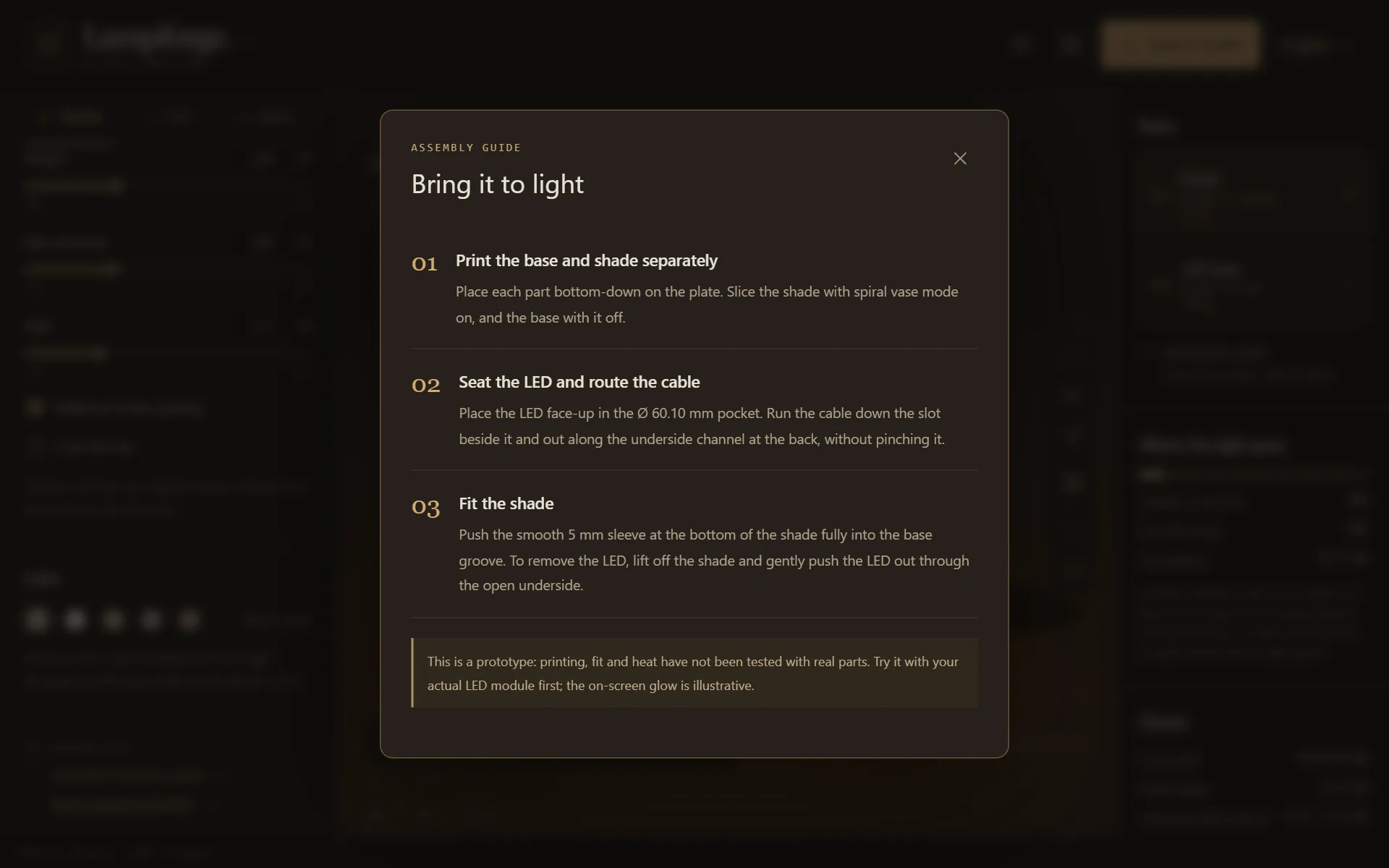
Put it together
Seat the LED
Lampforge is made for a round, flat LED module 59.5 mm across and 8.2 mm thick. Place it face-up in the pocket, resting on the ledge.
Route the cable
Run the cable down the slot beside the LED and out along the channel under the base, at the back, without pinching it. On the Tripod base it hangs down between the back legs.
Fit the shade
Push the shade's bottom edge fully into the groove on top of the base. It is a slip fit, not a clip: lift the shade off to reach the LED, and push the LED out from below.
Lampforge has not been tested for heat with anything but the LED module. Do not fit an incandescent or halogen bulb.
Questions
Why print the shade in spiral vase mode?
Vase mode prints the shade as one continuous wall, a single line wide, rising in a spiral with no seam and no travel moves. A thin, even wall lets the light through brightly, and a seamless one shows no stripe when the lamp is on.
Can I print the base in vase mode too?
No. The base has an LED pocket, a ledge the LED rests on and a cable channel inside it, which vase mode would leave out. Turn vase mode off and slice the base normally.
Do I need supports?
No. Every built-in shade stays under about 41° of overhang at its default size, the hollow base has no inside slope steeper than 45°, and Lampforge turns a covered shade and the tripod base upside down so they print without supports. For your own designs, Lampforge warns past 45°.
Which filament is best for the shade?
White or natural PLA or PETG. Lighter colours let more light through, and the light takes on the colour of the shade. Any colour suits the base.
The shade is loose or tight in the base. What do I change?
Change Shade joint clearance under Fit tolerances and download again. It is the gap on each side of the shade in the groove, 0.3 mm to start: lower it if the shade wobbles, raise it if it will not go in. Test-print the joint first.
Free to design, nothing to install. More how-tos: slicer settings for a planter and turn a photo into a texture, or all guides.